
How to Upload Levels to a GDPS Server
Uploading levels to a GDPS server allows players to share custom creations within the Geometry Dash community. GDPS provides a platform for users to publish levels, test gameplay ideas, and receive feedback.
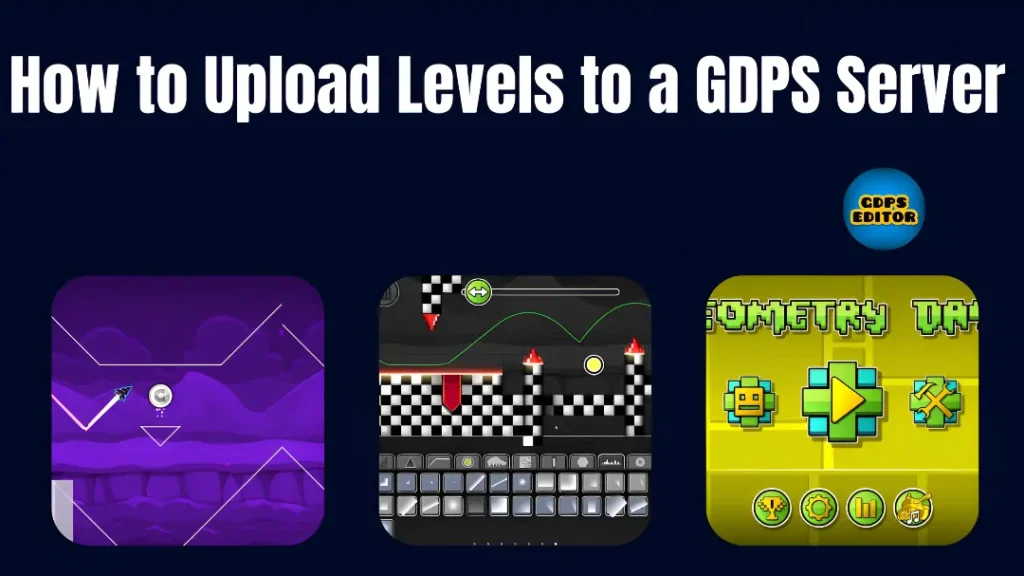
Creators often use these servers to experiment with new designs and mechanics not available on official servers. Once uploaded, players can discover, play, and rate the levels. This guide explains how to upload and prepare your level for publishing.
GDPS Servers Explained
A GDPS server is a private Geometry Dash server that offers additional features for players. Instead of using official game servers, players connect to these custom servers to upload and share levels. Creators can experiment with new gameplay ideas and level designs within a smaller community, enjoying greater freedom to innovate.
Requirements Before Uploading a Level
Before uploading a level to a GDPS server, make sure you have:
A GDPS Account
You need to create a GDPS account to upload levels. This account keeps your levels, player profile, and activity on the server.
A Completed Custom Level
Make sure your level is fully designed with objects, obstacles, and gameplay elements in place.
Fast Server Connection
A stable connection to the GDPS server is necessary for publishing levels. If the connection fails during the upload process, the level may not appear on the server.
Creating a Level in the GDPS Editor
Before publishing, the level must be designed using the Geometry Dash editor available within the GDPS client.
Using the GDPS Editor
The editor lets players place platforms, spikes, portals, and other objects to structure their levels and create challenges.
Adding Objects, Obstacles, and Triggers
Incorporate dynamic elements like moving platforms and speed changes to improve gameplay.
Testing the Level Before Uploading
Testing is an important part of the process. Play through your level to spot mistakes, adjust difficulty, and refine sections before publishing.
Steps to Publish a Level on a GDPS Server
You can easily upload a level to a private server by following these steps.
Step 1 – Open the Level Editor
Start the GDPS editor and go to the level editor. Choose the level you want to upload from your saved projects.
Step 2 – Save the Completed Level
Make sure to save the level correctly. This step makes sure that all objects, triggers, and decorations are included before you upload.
Step 3 – Select the Upload Option
GDPS editors have an upload or publish button in the level menu. Click this button to open the publishing interface.
Step 4 – Add Level Name and Description
Type a clear title for the level, and write a short description explaining how it plays or its difficulty.
Step 5 – Upload the Level to the Server
After entering all required Level information, confirm the upload. The level will then be sent to the private server, where other players can find it.
Setting Level Information Before Publishing
Proper level information helps players understand what to expect before playing.
Difficulty Level
Select a difficulty rating that matches players’ skill levels. This helps them decide if the level is right for there play.
Adding Level Length
Many servers group levels by length, like short, medium, or long. This allows players to find levels that fit the time they want to spend.
Writing a Clear Info
Write a simple description that explains the theme or gameplay style. This will attract players who enjoy specific challenges.
Benefits of Uploading Levels to GDPS
Publishing levels on private servers has key benefits for creators. Players can freely test their ideas and get feedback, improving their level design skills and creativity. Additionally, private servers enable smaller communities, allowing for focused sharing of creative projects.
Final Words
Uploading levels to a GDPS server lets Geometry Dash players share their creativity. By designing and testing levels, creators can publish them on private servers to showcase their ideas and get community feedback. These servers offer a flexible space for experimenting with gameplay mechanics and improving level design skills.