GDPS Editor APK Download – Latest Version for Android

|
GDPS Editor |
|
|
2.2.2.21 |
|
|
05 November 2026 |
|
|
Developed by Geometry Dash Modders |
|
|
137 MB |
|
|
Unlocked All Features |
GDPS Editor 2.2 APK is a custom level-editing app for players and creators who want to build, modify, and experiment with Geometry Dash levels. It provides an alternative environment for working with level objects, gameplay elements, triggers, effects, music, and other editing features depending on the build.
If you’re looking for the GDPS Editor2.2 download, you can choose from the available Android builds and variants on our download page. Different builds can have different features, compatibility, or fixes, so the download page lists the available options rather than treating every GDPS Editor APK as the same file.
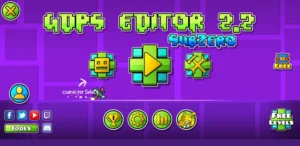
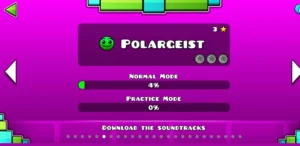
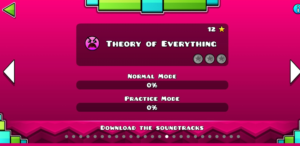
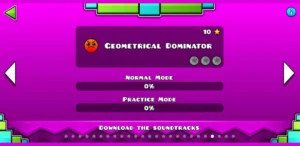
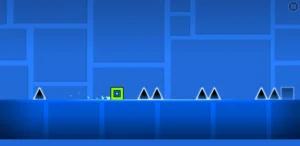
Screenshots
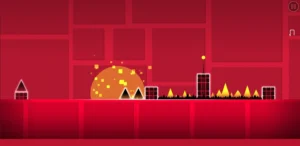
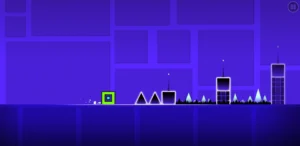
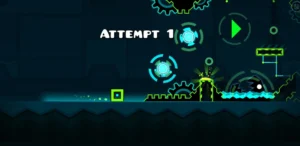
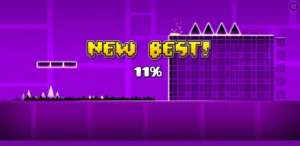
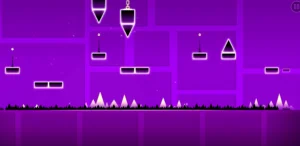
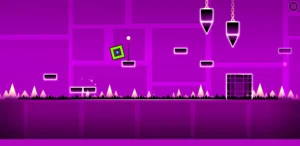
What Is GDPS Editor?
GDPS Editor is a custom Geometry Dash level editor designed around level creation and modification. The main idea is simple: instead of only playing existing levels, you can use an editor environment to create your own layouts, experiment with objects, adjust gameplay, and test different designs.
A level can contain much more than a sequence of obstacles. Object placement, movement, colors, effects, triggers, portals, orbs, music, and gameplay settings can all contribute to how a level looks and plays.
Because GDPS Editor exists in multiple community builds and variants, its exact capabilities can differ between releases. That’s why it is useful to check the specific build before downloading it.
GDPS Editor 2.2
The 2.2 builds are associated with expanded Geometry Dash editing capabilities, including newer editor elements, triggers, gameplay customization, and level-design tools. The exact implementation can vary between individual builds and SubZero variants.
This distinction matters when choosing a download: the name of a variant such as SubZero 1.3, SubZero 1.4, or a crash-fix build does not necessarily mean that number is the Android application’s internal version number.
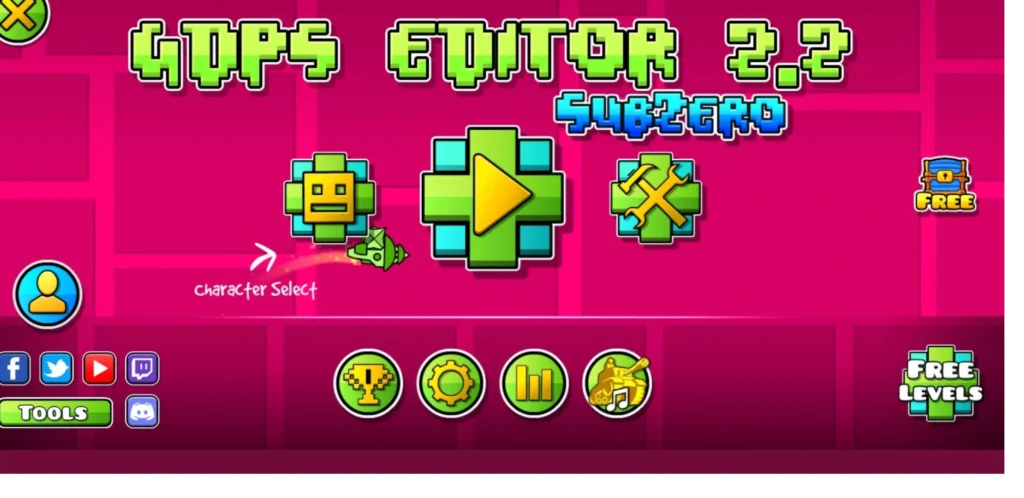
GDPS Editor SubZero
GDPS Editor SubZero is a related variant associated with the Geometry Dash SubZero side of the GDPS Editor ecosystem.
SubZero builds can use different assets, themes, music, and gameplay elements from standard GDPS Editor builds. They are therefore useful for users specifically looking for the SubZero experience rather than simply wanting a generic Geometry Dash level editor..
Advanced Object Placement and 2.2 Scaling Tools
GDPS Editor 2.2 is packed with advanced features such as custom triggers, object layering, and physics editing, making it the best option for creating Geometry Dash levels. With its powerful tools and user-friendly design, this editor allows you to easily build unique, challenging, and visually stunning stages.
Level Optimization
GDPSEditor allows you to fully customize your Geometry Dash levels. You can create anything from simple platformers to complex auto-levels using various tools. Access a diverse Object Library with blocks, orbs, portals, and more, and import your own textures for unique designs. Adjust colors for objects, backgrounds, and effects to fit your theme. With complete creative control, your levels can truly stand out in the Geometry Dash community.
Objects, Triggers, and Gameplay
GDPSEditor allows you to change physics in your levels, offering unique gameplay mechanics not found in the standard Geometry Dash editor. You can adjust gravity for upside-down or low-gravity sections, change the player’s speed for fast or slow-paced gameplay, and modify object interactions to create unique challenges. This lets you design fresh and innovative levels, providing players with a new experience.
Save File Easily
GDPSEditor lets you edit and change your saved level files easily. You can open and modify existing levels (.gmd or .gmd2) to enhance or personalize them. You can also save your levels in a format that others can share or use in Geometry Dash. It’s simple to create backups of your levels to avoid losing your work. Additionally, you can save different versions of a level to track changes and try out new ideas.
User-Friendly Interface
GDPSEditor has a user-friendly interface that makes creating levels easy for everyone, from beginners to experts. You can navigate the editor’s tools and options effortlessly with intuitive menus. It also offers a drag-and-drop feature that lets you quickly add and arrange objects in your level. You can see real-time changes as you build your level and adjust the layout to suit your workflow.
Advanced Object Placement
GDPSEditor has powerful tools for placing objects that help you create detailed levels with precision. You can now place objects on a grid for perfect alignment. You can also rotate and resize objects to fit your design. Arrange objects in layers to add depth and complexity. Easily duplicate objects or groups of objects to save time. With these tools GDPSEditor or GDPSEditor Sub Zero, you can create levels that are visually impressive and mechanically accurate.
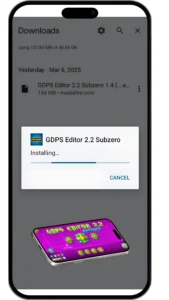
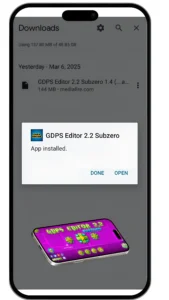
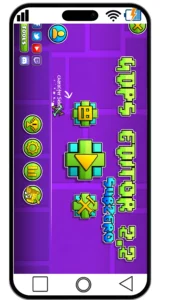
How to Download for GDPS Editor 2.2 for Android
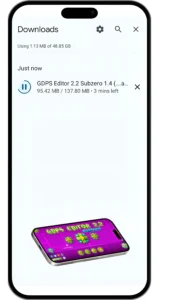
You can get GDPS Editor 2.2 for Android, as well as the SubZero 1.4 version, by following an easy installation process. Both editors use the same steps, making it simple to access advanced level creation features on your device. Below, you’ll find clear instructions to help you download, install, and start designing your custom Geometry Dash levels immediately.

What’s New in 2.2 Release
2.2 introduce new tools and features that expand level creation, editing, and gameplay customization.
Play All Classic Levels
- Access and play all levels from the classic Geometry Dash game.
Modify Game Physics
- Change the game’s physics, including gravity, speed, and friction.
- Create unique gameplay mechanics like low-gravity or high-speed sections.
Create and Customize Levels
- Build levels from scratch or edit existing ones.
- Add, delete, and customize objects like blocks, orbs, and portals.
Add Custom Music
- Import your favorite songs to create a more immersive experience.
- Sync gameplay elements with the beat of your chosen music.
Object Inserter
- Insert custom platforms, enemies, and obstacles into your levels.
- Expand your creative possibilities with a wide range of objects.
Advanced Object Placement
- Precisely place objects using grid snapping, rotation, and scaling.
- Arrange objects in layers to create depth and complexity.
Custom Triggers
- Create dynamic gameplay mechanics with custom triggers.
- Examples include moving objects, color changes, and speed adjustments.
Save File Editing
- Create dynamic gameplay mechanics with custom triggers.
- Examples include moving objects, color changes, and speed adjustments.
User-Friendly Interface
- Navigate the editor with ease using intuitive menus and drag-and-drop functionality.
- Customize the interface to suit your workflow.
Level Optimization
- Optimize levels for better performance and smoother gameplay.
- Reduce lag by managing object density and effects.
Community Support
- Access templates, tutorials, and resources shared by the Geometry Dash community.
- Share your levels and get feedback from other players.
Real-Time Preview
- See changes in real-time as you build your level.
- Test and refine your level without leaving the editor.
Custom Textures and Effects
- Import custom textures to create unique designs.
- Add visual effects to enhance the look and feel of your levels.
Version Control
- Save multiple versions of a level to track changes and experiment with new ideas.
- Easily revert to previous versions if needed.
Backup and Restore
- Create backups of your levels to prevent data loss.
- Restore levels from backups if something goes wrong.
Difference Between Editor SubZero vs GDPS EDITOR 2.2
Here are the Key Differences between GDPS Editor SubZero vs GDPS Editor 2.2
| Feature | GDPS Editor SubZero | GDPS Editor 2.2 |
|---|---|---|
| Based On | Geometry Dash SubZero | Geometry Dash 2.2 |
| Music | SubZero soundtrack (like “Press Start”, “Nock Em”) | Any custom song or full GD music library |
| Blocks & Effects | Mostly from SubZero levels | Full 2.2 blocks, triggers, camera controls |
| Tools | Basic editing tools | Advanced editing tools (e.g. spawn triggers, rotation, cameras) |
| Performance | Light and simple | More powerful, may need better devices |
| Best For | Quick, simple levels with cool visuals | Full-featured levels with detailed design |
GDPS 2.2 Editor Layout
GDPS Editor 2.2 is packed with advanced-level design tools that take your Geometry Dash creativity to the next level. Whether you’re a beginner trying to create simple levels or an expert building complex stages, this version of the editor gives you full control over every element in your level.
Precision Object Placement
With GDPS Editor 2.2, you can place objects exactly where you want them using grid snapping, free move, and fine-tune rotation tools. This helps your designs stay clean, aligned, and visually impressive
Customizable Colors & Effects
Want to make your level stand out? You can apply custom colors, glow effects, blending modes, and even custom backgrounds. This gives you full control over the vibe and style of your level, perfect for creating themes like neon, retro, or spooky stages.
Object Duplication & Grouping
No need to build everything from scratch. GDPS 2.2 allows you to duplicate objects or groups, saving you time and effort. You can also link objects to move or animate them together using trigger commands.
Advanced Triggers & Commands
Triggers are the heart of dynamic levels in Geometry Dash. GDPS Editor 2.2 comes with:
- Move Triggers – Slide objects around the screen
- Rotate Triggers – Spin elements during gameplay
- Pulse Triggers – Flash colors and add lighting effects
- Alpha Triggers – Change the transparency of objects
Layer Control
You can place objects on different layers to control how they appear. Foreground, background, and gameplay layers can be managed easily. This makes your level feel 3D and more immersive.
Real-Time Level Preview
Instead of building blindly, you can playtest your level in real time while editing. This helps you catch bugs early and tweak gameplay elements like jumps, sync, and obstacle placement as you go.
Version Control & Backup
You don’t have to worry about losing your work. GDPS Editor lets you save multiple versions of your level and restore previous ones anytime. It’s perfect for experimenting with new designs without losing your progress.
System Requirements
Android |
PC |
|
Android 4.0 |
OS: Windows 7/8/10/11 (64-bit) |
|
RAM 3GB |
RAM: 4GB |
|
A stable internet connection for smooth performance |
A stable internet connection for smooth performance |
|
Quad-core 1.2 GHz or higher |
Intel Core i3 (or equivalent) |
|
At least 300 MB of free space |
At least 500MB free space |
Key Takeaways
If you are looking for GDPS Editor 2.2, you can explore the available APK builds and choose the one that best matches your needs. Whether your goal is to create custom levels, experiment with 2.2 editor features, or explore the SubZero experience, the right build gives you a starting point for creating and testing your own Geometry Dash content.